
The Universe Stargate Base is the block at the bottom center of a standard Universe gate's ring. It makes the gate a Universe gate, opens the gate's address screen and holds its chevrons, camouflage and fitted upgrades.
The finished gate
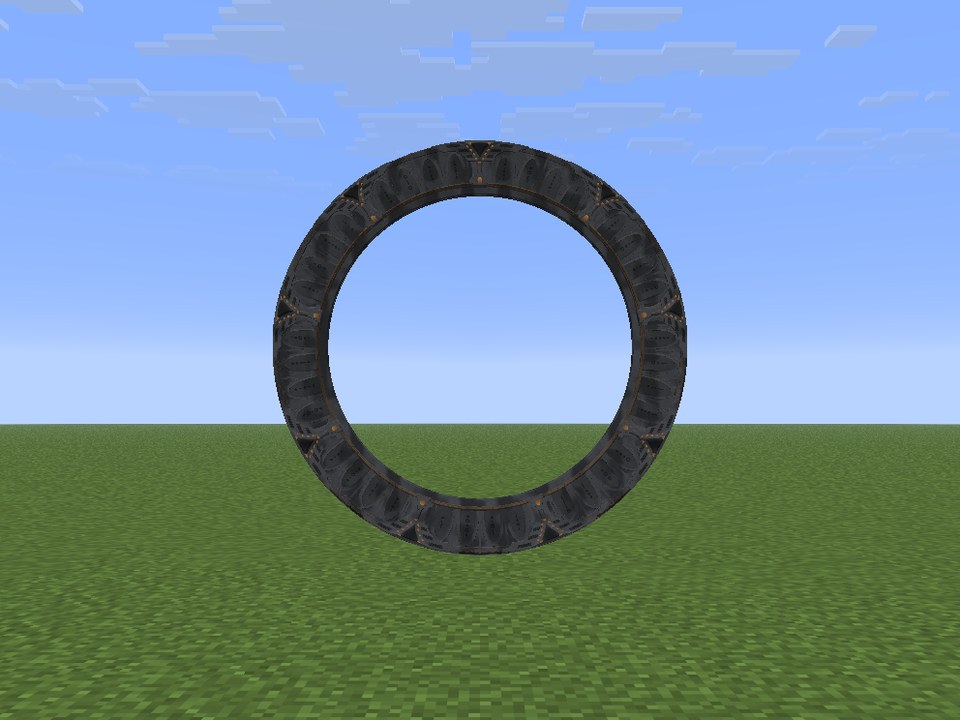
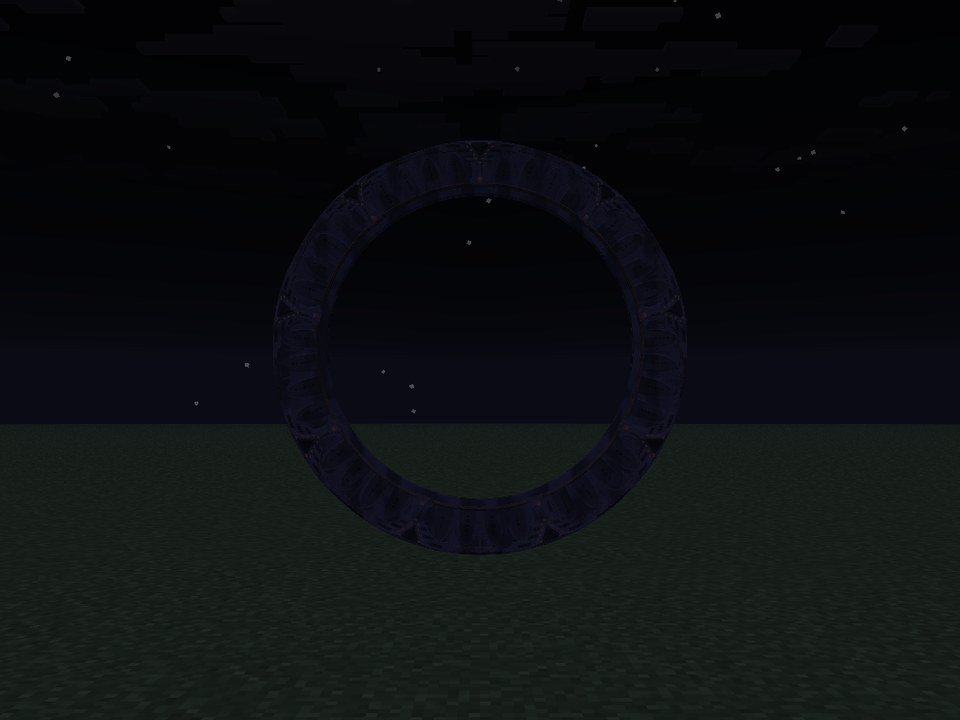
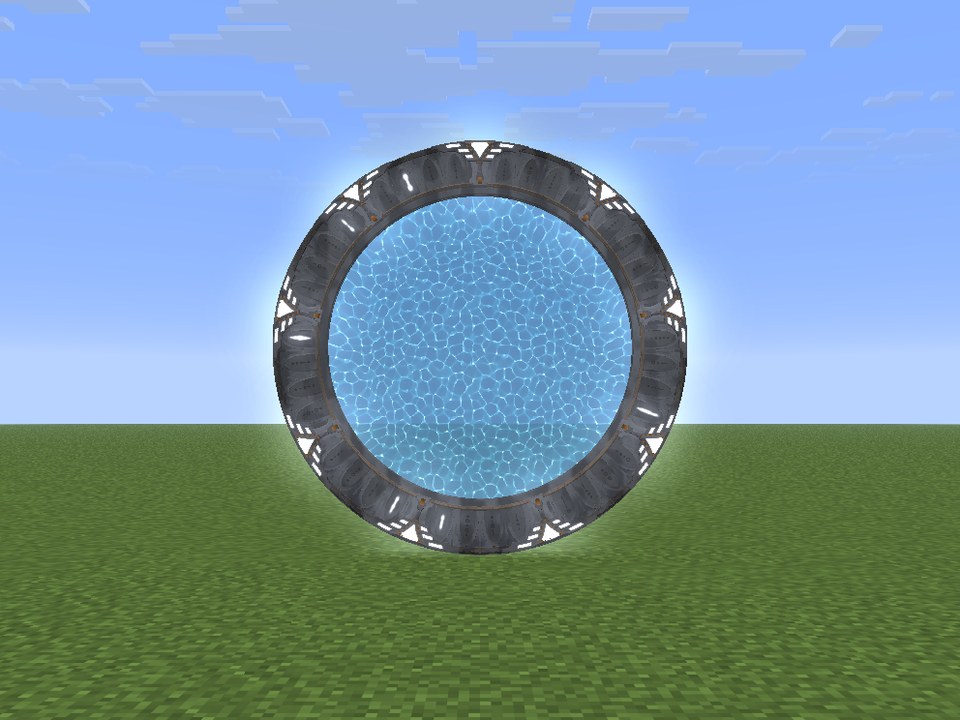
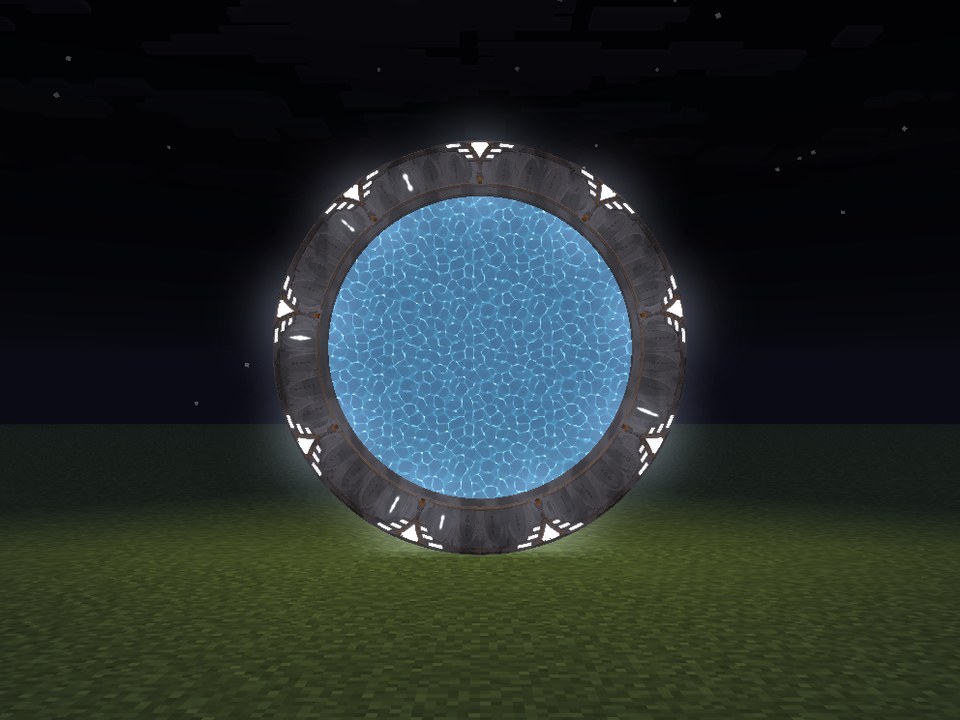
Obtaining
Crafting
You make it from a  Milky Way Stargate Base.


- Ender Pearl
- Diamond
- Stargate Chevron Block
- Milky Way Stargate Base
Usage
Seen from the front, a standard gate is laid out like this:
C R C R C
R . . . R
C . . . C
R . . . R
C R B R C
B is the base, R a  Stargate Ring Block,
C a Stargate Chevron Block and . the opening, which must be air, fluid or event horizon.
- Place the base where the bottom center of the ring goes. It faces you, and the gate faces the same way.
- Build the ring of 8 ring blocks and 7 chevron blocks across its front. The gate forms when you place the last block of the ring, or the base next to a complete ring. If there is no standing ring, the base looks for one lying flat at its own height, running out from the base along its back.
- Power the gate with a
 Stargate Power Unit within 4 blocks of the base along each axis. A Universe gate has no DHD to hold naquadah. See Power.
- Dial with a
 Personal Dialing Device, a
 Gate Control Tablet or
/sgcraft dial <address>.
The player whose block finished the gate owns it. See Building gates for the full build.
Gate type
This base makes Universe gates (sgcraft:universe). A Universe gate turns its whole ring as it dials, and every chevron stays lit while the gate is active. It shows addresses in the Universe glyphs: 


 .
The Universe gate had no DHD on the show, so SGCraft gives it none. Dial it with a Personal Dialing Device, a Gate Control Tablet or /sgcraft dial. It can dial gates of any type, and gates of any type can dial it.
Each time a standard gate forms, it takes the type of its base block. To change the type of a formed, idle gate, use an upgrade on it: a  Pegasus Gate Upgrade makes it a Pegasus gate, and a
 Universe Gate Upgrade makes a gate turned Pegasus a Universe gate again. You need the right to configure the gate, and the upgrade is used up. Operators and creative players can set any type on the
 Stargate Configurator's Gate page, and operators can run
/sgcraft type <type>.
A gate keeps the type an upgrade gave it while its base stays in place, even if the ring breaks apart and forms again. The base block keeps its own kind: a Universe base in a gate turned Pegasus drops a Universe base, and the upgrade drops beside it. See Building gates.
The address screen
Right-click the base, or any ring block of the formed gate, to open the Stargate Address screen. The base opens nothing until the gate has formed. Gate tools and upgrades in your hand work on the gate instead of opening the screen.
- The screen shows the gate's address in the glyphs of the gate's type, with the address in letters below.
- Click the panel to copy the address. The client setting
copy_address_on_open(defaultfalse) copies it each time the screen opens. - When the gate's
address_visibleproperty is off, the screen shows "... Gate Address Hidden ...". See Addresses. - A player with the right to configure a standing gate also sees 5 slots labeled Base Camouflage. Each slot takes one block and covers one block of the gate's bottom row, left to right as seen from the front. Any block works except ring blocks, bases and DHDs. A flat gate takes no camouflage. See Building gates.
Address
A gate's address is the address of the cell holding its base. A cell is 8 chunks (128 blocks) across by default. Two gates in one cell share an address and a dial reaches only one of them, so build one gate per cell. A base beyond the address grid, about 2,985,984 blocks out from x 0, z 0, gives its gate no address. See Addresses.
The gate forms with 7 chevrons, which dial gates in the same world. Each  Stargate Chevron Upgrade adds one, up to 9: 8 reach other worlds of the same group, 9 reach other groups. The server's
gates.defaults setting sgcraft:chevrons can give new gates more. See Building gates.
Redstone
The base of a formed gate works with redstone:
- While the gate does anything other than stand idle, the base gives out a full redstone signal of 15, which also powers the blocks it touches. The gate property
redstone_output(defaulttrue) turns this off. - A redstone signal arriving at the base shuts the gate's iris, and the signal going opens it. The gate property
redstone_input(defaulttrue) turns this off. Redstone has every right, so it works whatever the gate's access settings say.
Breaking
Breaking the base, or any block of the gate, breaks the gate apart. A player may break it if they are an operator, if they own the gate and the server setting gates.owners_break_gates is on (the default), or if the gate's Breakable setting is on. Anyone else sees "This gate can't be broken". Explosions and commands still break gates.
When the base breaks, it drops:
- Itself.
- Its camouflage blocks.
- One Stargate Chevron Upgrade for each chevron added with a Chevron Upgrade.
- An
 Stargate Iris Upgrade if the gate's iris was fitted with one.
- The Pegasus Gate Upgrade or Universe Gate Upgrade that set the gate's type, if one did.
Chevrons, irises and types the gate came with, or that an operator, a creative player or a command set, drop nothing.
Breaking a ring block instead leaves the base in place with its type, chevrons and camouflage, and the gate forms again when the ring is whole. Breaking a gate while its wormhole is open sets off a breach explosion, strength 10 by default (breach_explosion). See Building gates.
Commands
Most /sgcraft gate commands act on your selected gate, or else the gate you look at, through its ring or its opening, up to 64 blocks away. Operators can name a gate by any of its blocks with /sgcraft gate <pos> <command>.
| Command | Level | What it does |
|---|---|---|
/sgcraft address | All | The gate's type, position and address |
/sgcraft info | All | The gate's type, position, state, chevrons, owner and connection |
/sgcraft dial <address> | All | Dial an address from the gate |
/sgcraft disconnect | All | Stop dialing, or close the wormhole |
/sgcraft type <type> | Op | Change the gate's type |
/sgcraft chevrons <1-9> | Op | Set how many chevrons the gate has |
/sgcraft camouflage set <slot> <block> | Op | Camouflage one block of the bottom row, slot 0 to 4 |
/sgcraft iris open, /sgcraft iris close | All | Open or close the iris |
/sgcraft owner <player> | All | Hand the gate to another player (owner or op only) |
/sgcraft place sgcraft:universe | Op | Build a whole Universe gate with 9 chevrons 3 blocks in front of you |
type and chevrons changes need the gate to be idle. See Commands for every command.