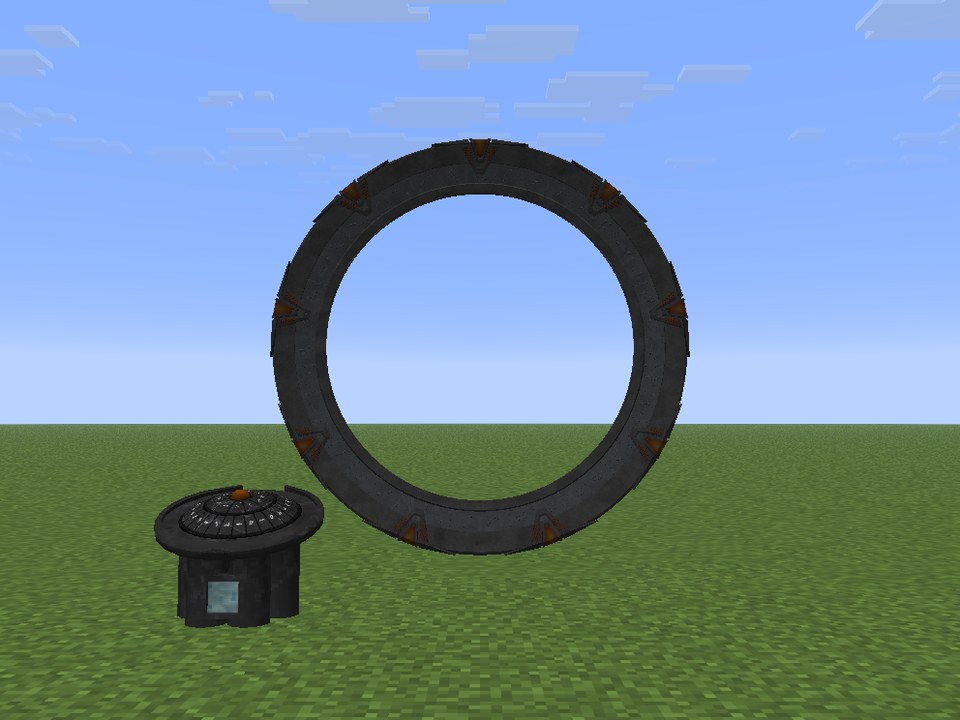
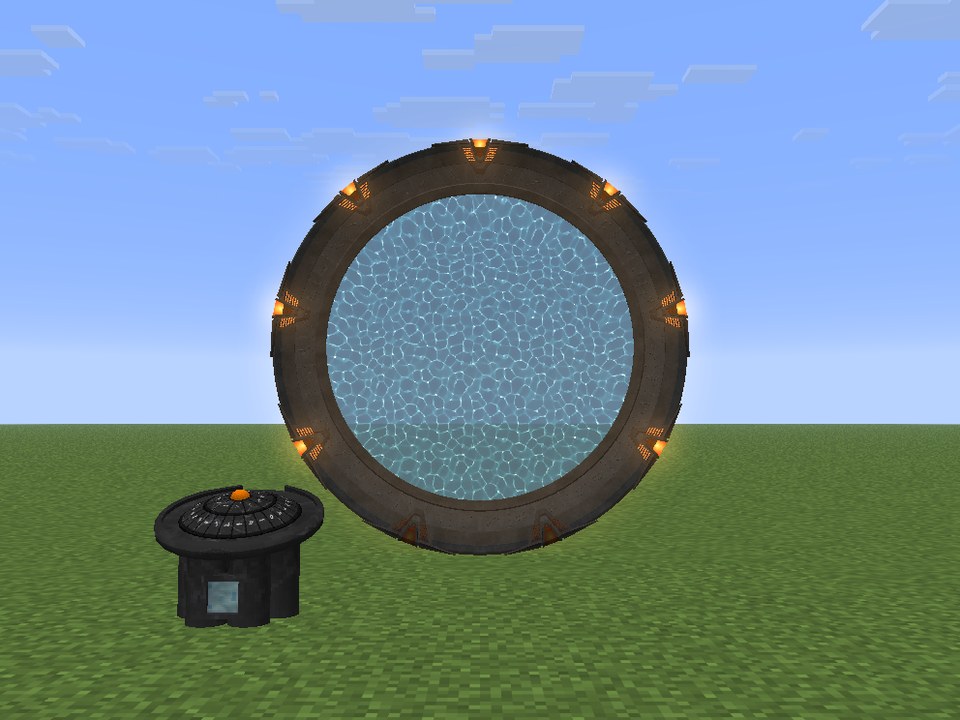
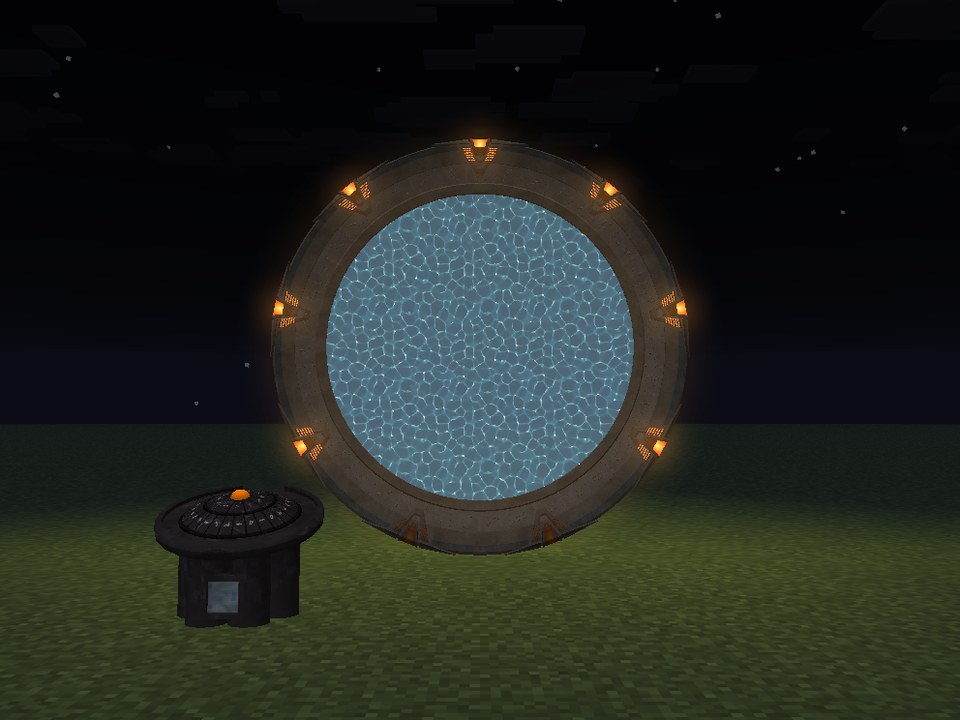
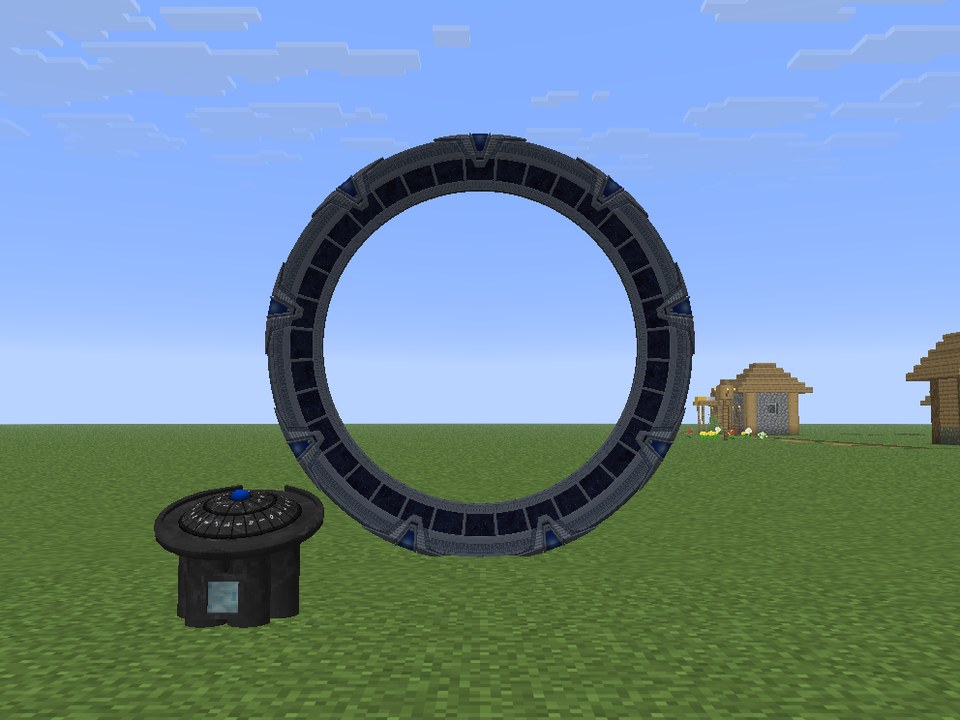
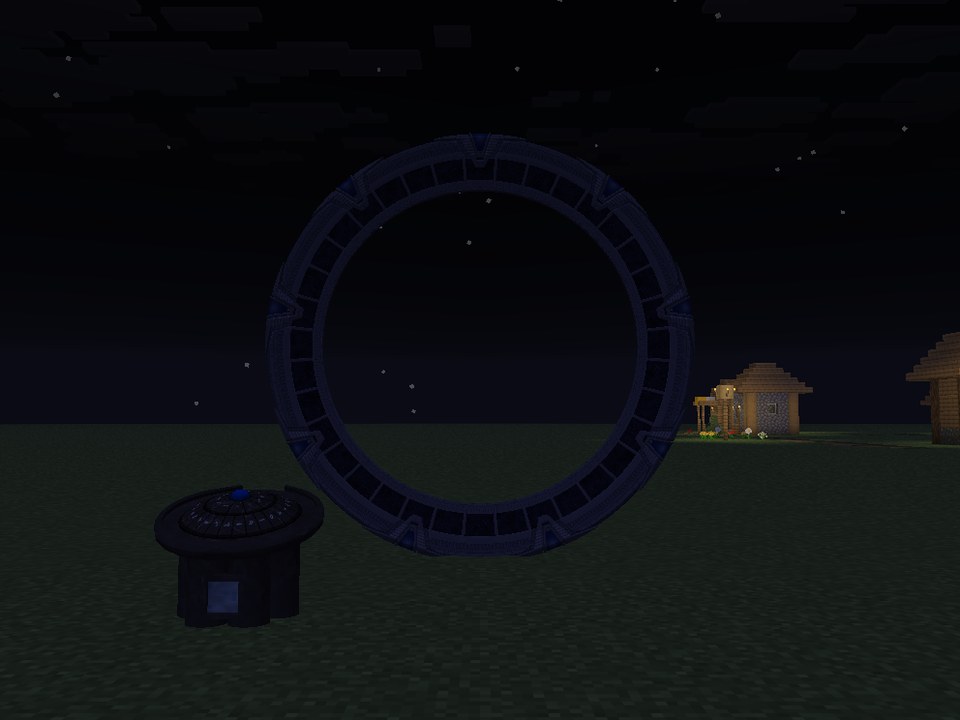
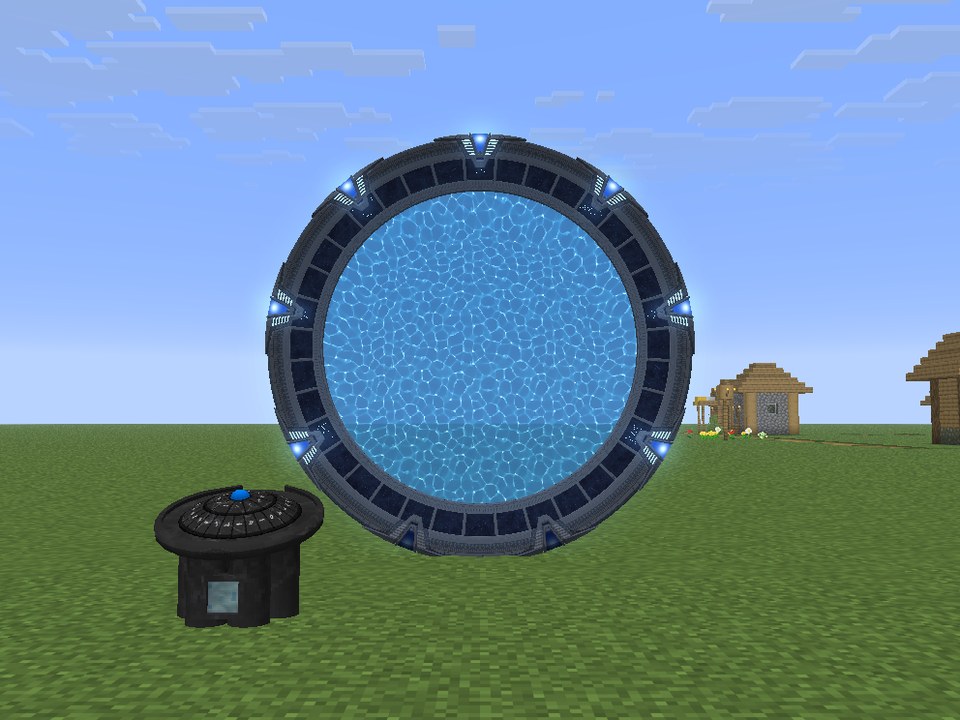
A gate is a ring of ring and chevron blocks around a base block. This page covers the four gate types, the shape of standard gates and supergates, how a gate forms, chevrons, upgrades, camouflage and what happens when a gate breaks.
Gate types
Every gate has a type. The base block decides it when the gate forms. The Milky Way, Pegasus and Universe types come as standard gates and as supergates, and each can dial the others. The fourth type, the Ori supergate, comes only as a supergate and connects only to other Ori supergates.
| Milky Way | Pegasus | Universe | |
|---|---|---|---|
| ID | sgcraft:milky_way | sgcraft:pegasus | sgcraft:universe |
| Base block | Milky Way Stargate Base | Pegasus Stargate Base | Universe Stargate Base |
| Dialed by | Milky Way DHD | Pegasus DHD | No DHD: PDD, tablet or command |
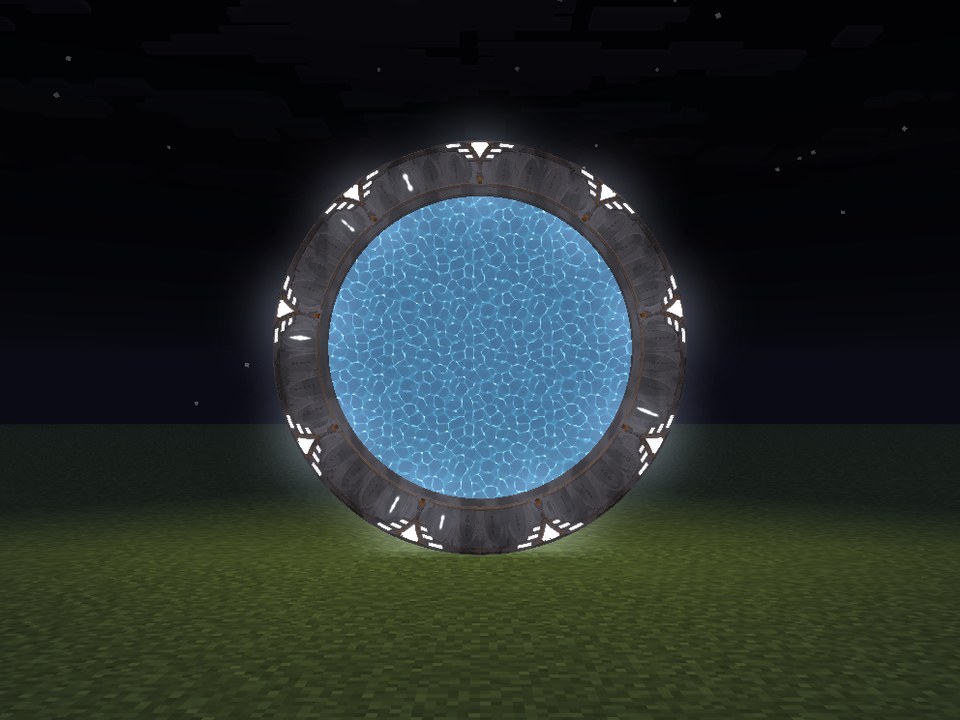
| While dialing | Its inner ring of 39 glyphs turns each symbol to the top chevron | Its ring stays still: a light runs around its screens to each chevron | The whole ring turns, and every chevron stays lit while the gate is active |
| Symbols |        |       |       |
The Universe gate had no DHD on the show, so SGCraft gives it none. Dial it with a PDD or gate control tablet, or with /sgcraft dial.
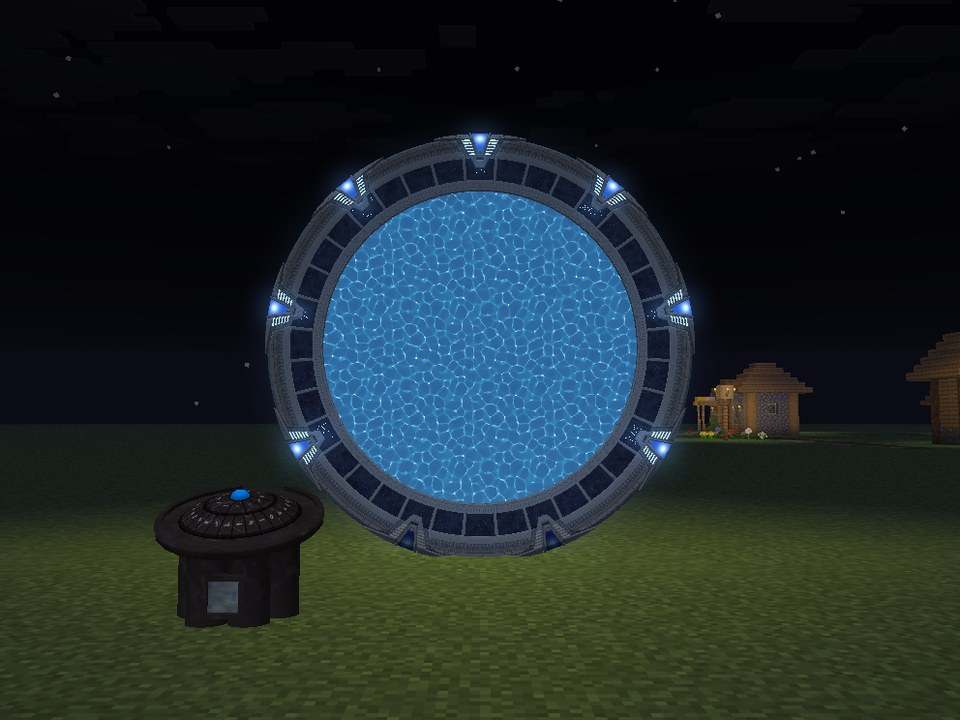
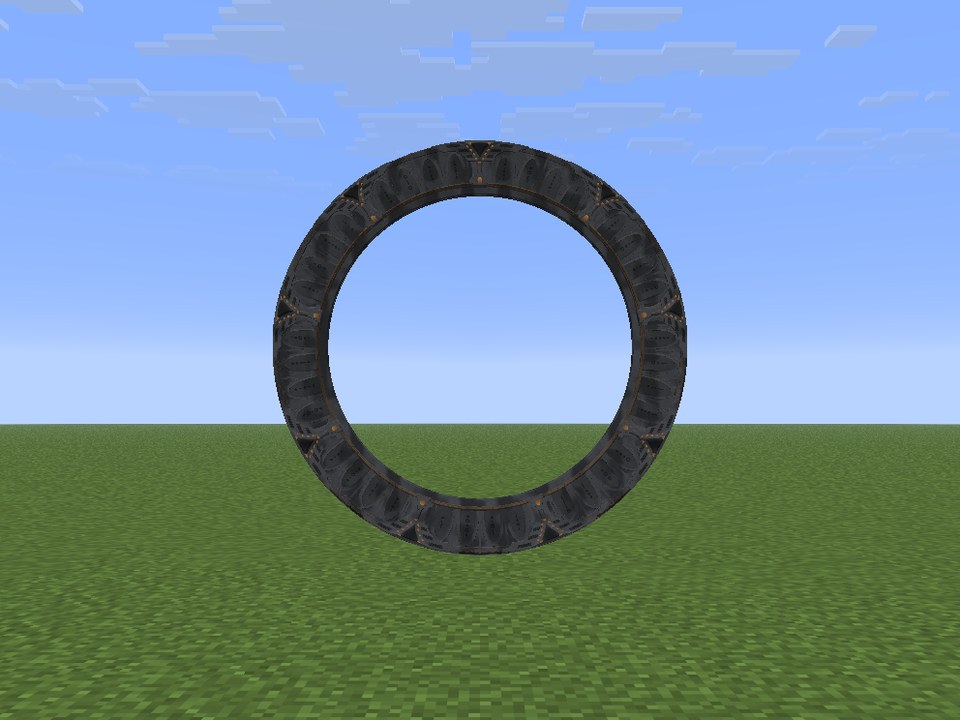
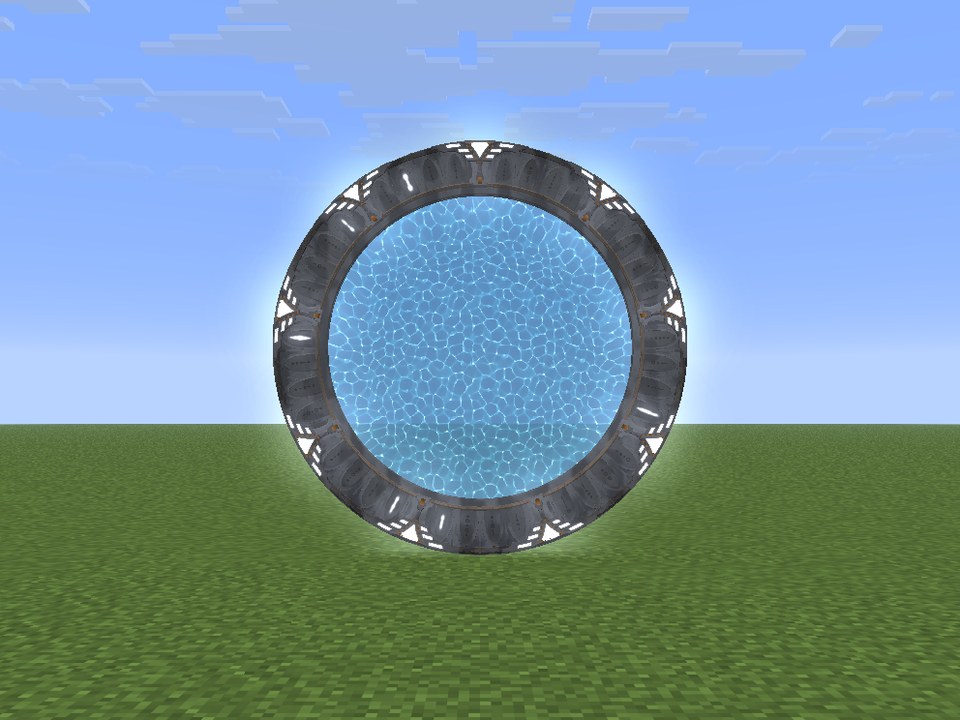
Base recipes
The Pegasus and Universe bases are made from a Milky Way base. The Milky Way base recipe is on Getting started.

 Glowstone Dust
 Block of Lapis Lazuli
 Redstone Dust
 Milky Way Stargate Base

 Ender Pearl
 Diamond
 Stargate Chevron Block
- Milky Way Stargate Base
Standard gates
A standard gate is 5 blocks wide and 5 tall. Seen from the front:
C R C R C
R . . . R
C . . . C
R . . . R
C R B R C
C is a Stargate Chevron Block, R a Stargate Ring Block, B the base and . the opening. The 9 blocks of the opening must be air, fluid or event horizon.
Supergates
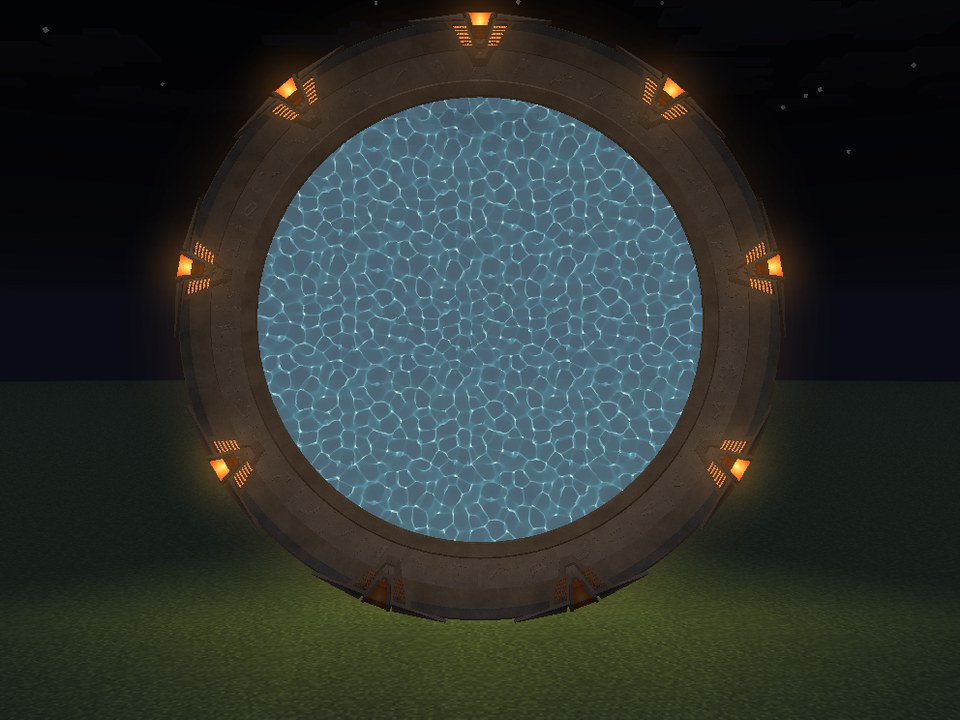
A supergate is a large ring of supergate blocks that follows a circle. Its radius, from the center of the circle to the base, is 4 to 30 blocks, so it is 9 to 61 blocks across.
- The ring is every block the circle passes through. The 9 blocks nearest the 9 chevron angles are Supergate Chevron Blocks, and the rest are Supergate Ring Blocks. The Supergate Base sits at the bottom.
- The space inside does not need to be clear. Only the ring blocks are checked.
- The base looks for the smallest complete ring of supergate blocks around it.
- A supergate forms as a Milky Way gate. Change its type with an upgrade (see Gate type upgrades).
- When the wormhole opens, the kawoosh clears at most 4096 blocks.
- A wormhole to or from a supergate costs 8 times as much (
energy.multipliers.supergate). See Power. - A supergate takes power from the same sources as a standard gate. Its base has slots for 3 ZPMs. See ZPMs for supergates.
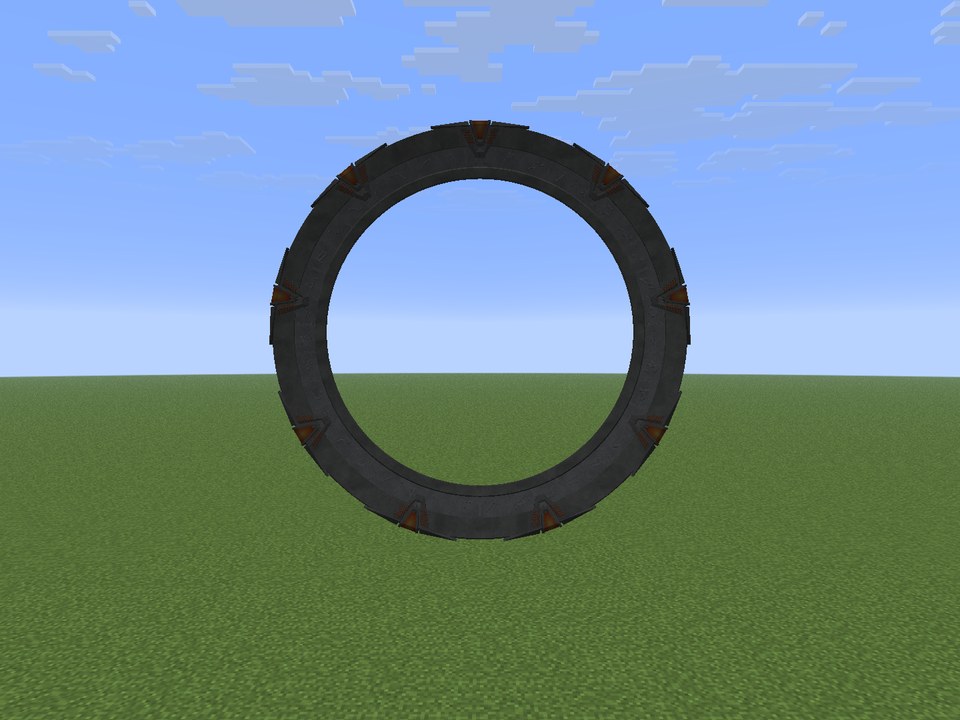
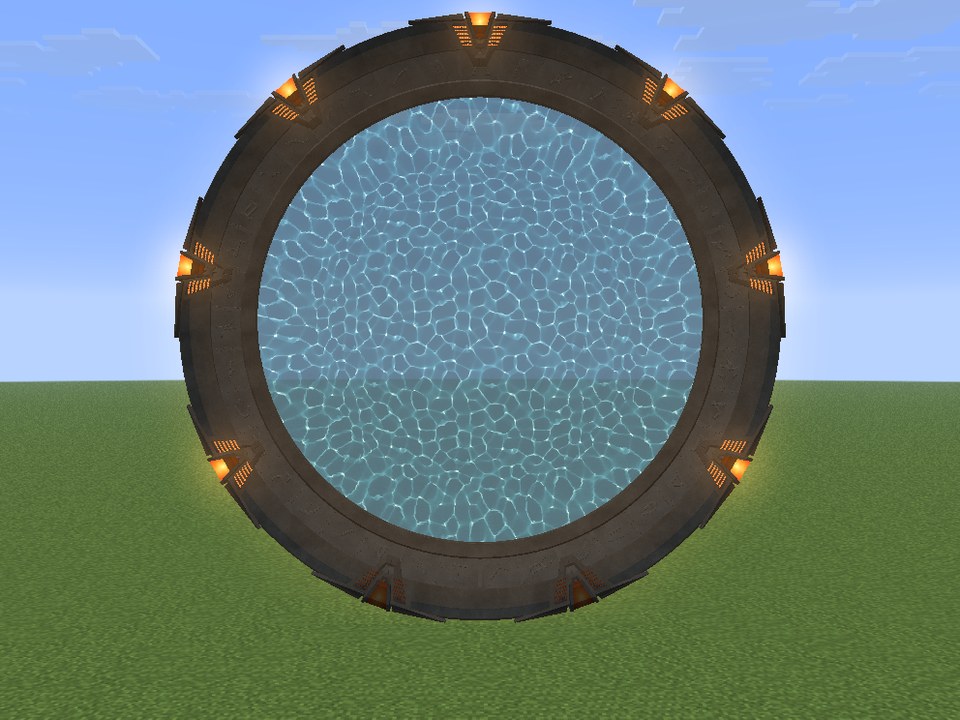
The ring is hard to lay out by hand. To see one, an operator can run /sgcraft place sgcraft:milky_way 9 10, which builds a supergate of radius 10, or place a supergate spawner.


ZPMs for supergates
A supergate needs no ZPMs. It draws on DHD fuel, power units and ZPMs near it as a standard gate does. Its base has three ZPM slots, and the ZPMs in them are more energy for it to draw on. It takes from those slots before the ZPM consoles, carts and hubs near it.
- Use the Supergate Base, or any ring block of the formed supergate. You need the right to configure the gate.
- Put ZPMs in the base's three ZPM slots, beside the camouflage slots. Below the screen, "ZPMs: n" shows how many charged ZPMs the supergate can draw on, and "ZPM energy: N GE" shows the gate energy (GE) they hold.
A flat supergate's base opens too, for its ZPM slots. Breaking the base drops its ZPMs. See Power.
Ori supergates
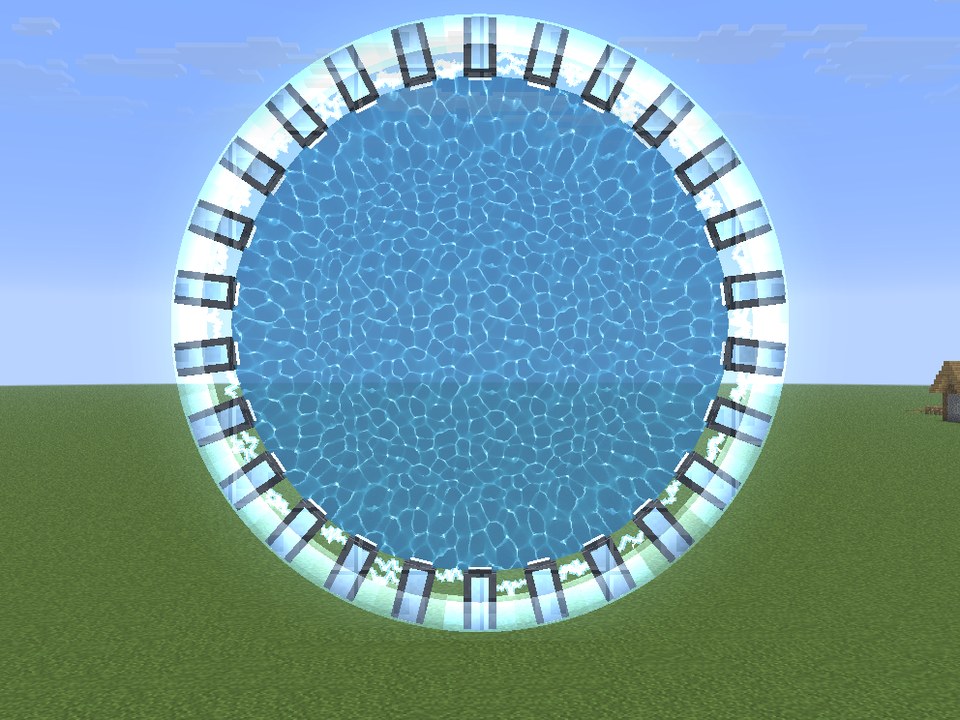
The Ori supergate (sgcraft:ori) is a gate type of its own, built only as a supergate, from radius 4 to 30.
Getting one
There is no survival way to make an Ori supergate. Operators and creative players make one with:
- The
 Ori Supergate Spawner, a creative block that builds an Ori supergate of radius 7 (15 blocks across). See Gate spawners.
/sgcraft place sgcraft:ori, which builds one at the spawners' size unless you give a radius. A standard size fails with "Ori gates can't be built at that size".- Type on the configurator's Gate page, which offers Ori only for a supergate.
/sgcraft type sgcraft:orion a supergate. On a standard gate it fails with the same message.
Turning a gate into an Ori supergate takes its iris or shield off. The upgrade it was fitted with drops at the base, unless the gate came with it.
What is different
- It connects only to other Ori supergates, either way. A dial between an Ori supergate and a gate of any other type fails with "This gate can't connect to that type of gate".
- No DHD dials it. Dial it with a PDD, gate control tablet or Explorer Dialer Device, with
/sgcraft dial, or through the API. - It always dials symbol by symbol, even when quick dialing is asked for.
- It takes no iris or shield.
- It takes no upgrades. A chevron upgrade or gate type upgrade says "An Ori supergate takes no upgrades".
- It always reaches as far as 9 chevrons, and its chevrons can't be changed.
Otherwise it works as any supergate, and a wormhole to or from it costs 8 times as much (energy.multipliers.supergate). See Power.
The linking dial
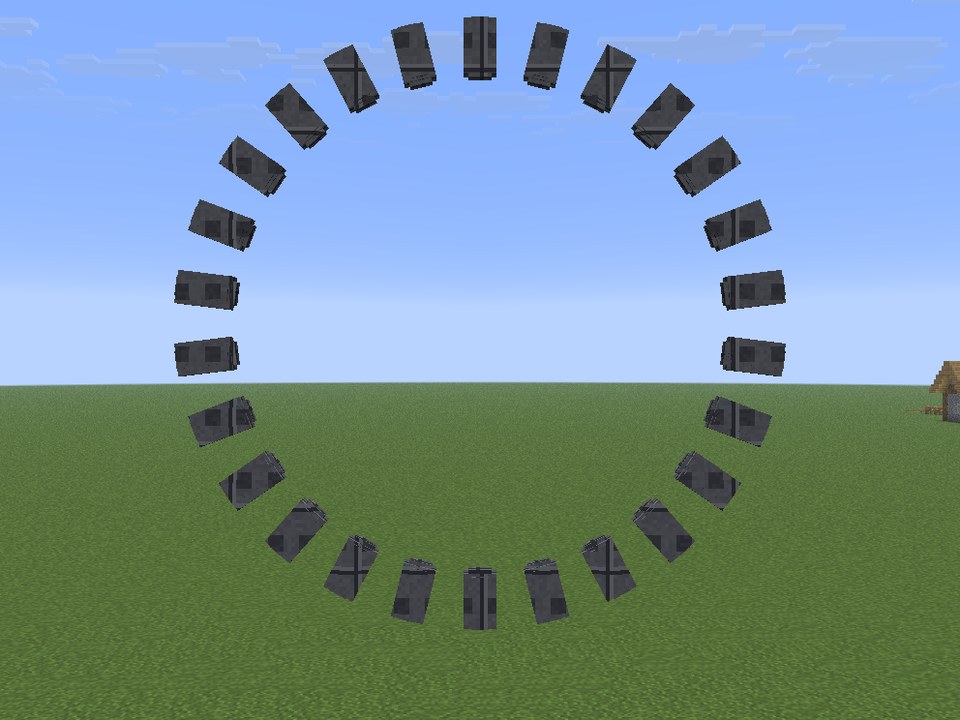
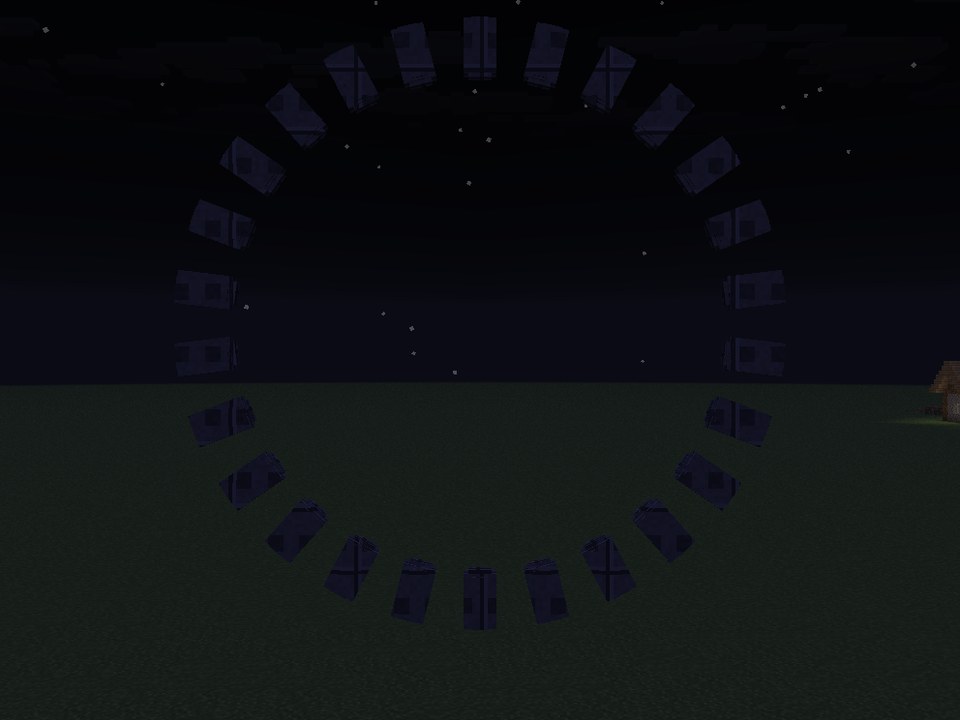
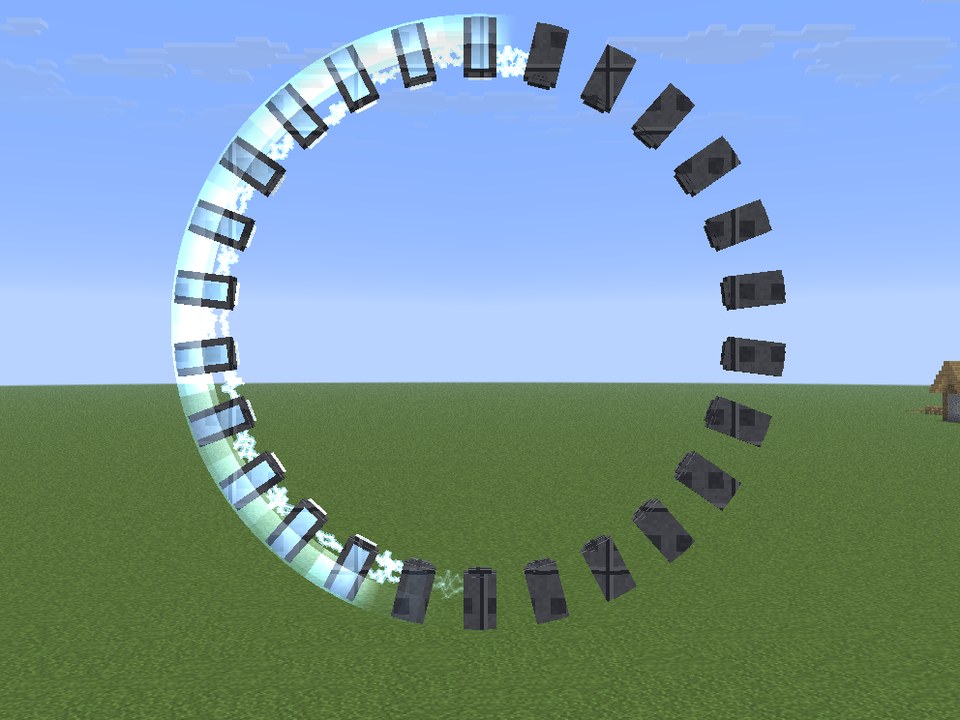
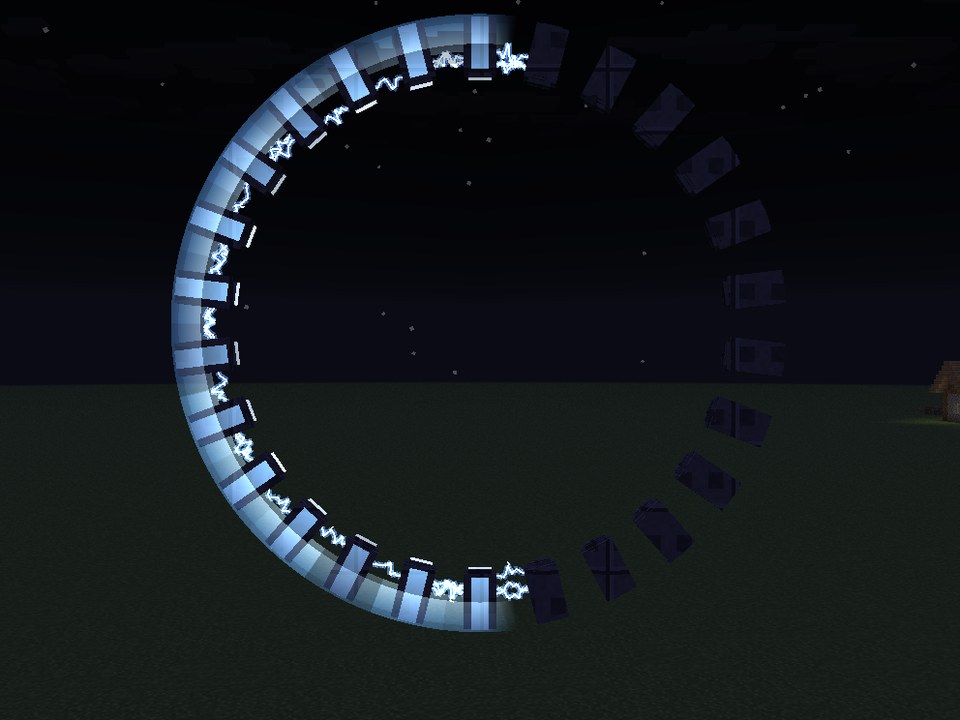
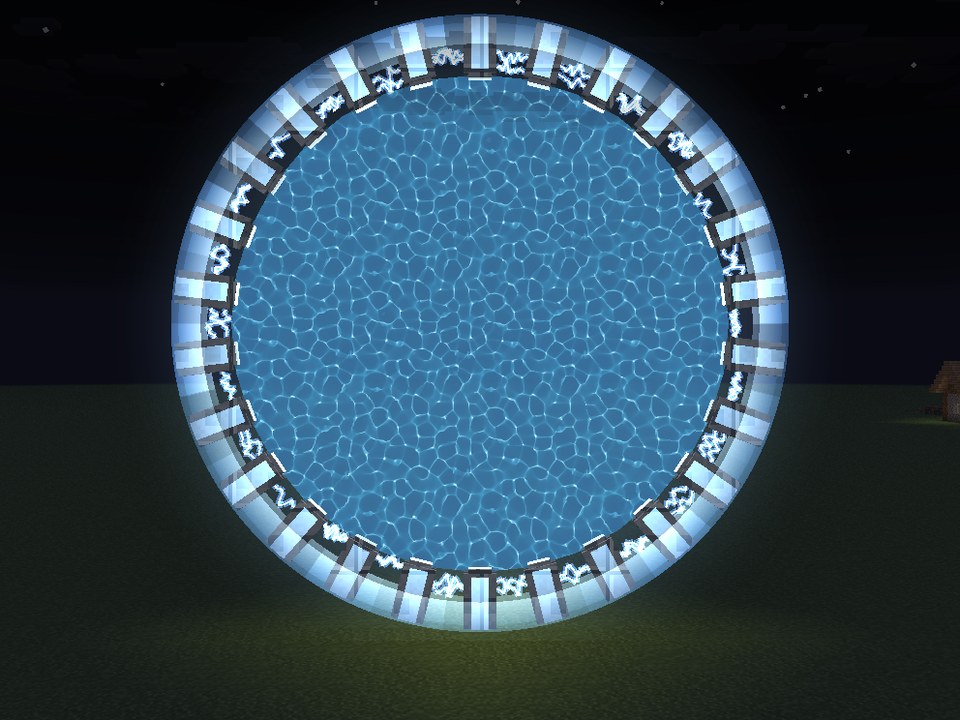
The ring doesn't turn. It is a circle of separate metal segments: 22 at radius 4, 26 at radius 7 and 105 at radius 30. As the gate dials, the segments link one after another, counterclockwise from the top. Each linked segment glows, a band of energy joins the linked segments, and arcs crackle across the gaps. The dialed gate links in step.
Its dialing sound starts with the first symbol, at both gates when both are Ori supergates, and plays through the whole dial. The symbols share the time so that the wormhole's whoosh comes 444 ticks (about 22 seconds) after the first symbol, whatever the address, just as the sound swells. After the last symbol, the event horizon fills in from the ring to the middle over 1.5 seconds, then the kawoosh comes. An Ori supergate makes no chevron or ring sounds.
Forming a gate
A gate forms when you place its base next to a complete ring, or place the last ring block around a base.
- The base faces the player who placed it. The gate faces the same way.
- A standard gate takes its type from its base. A supergate keeps the type it was given.
- None of the ring blocks may already belong to another gate.
- The player whose block finished the gate owns it.
- Ring blocks, bases and DHDs hold water, so a gate built under water stands in water.
Once formed, the blocks merge and the gate draws as one model. Right-click the base or any ring block to open the Stargate Address screen. It shows the gate's address in glyphs and in letters. Click the panel to copy the address.
Standing and flat gates
The base first looks for a standing ring, across its front. If there is none, it looks for a ring lying flat at its own height, running out from the base along its back.
A flat gate faces up, and travelers drop into it from above. Turned face down, it sits like a ceiling, and travelers go up into it.
Only a flat gate can be turned, and it must be idle:
- In the configurator, on the Gate page, set Lies to Flat, face up or Flat, face down.
- An operator can run
/sgcraft orientation face_upor/sgcraft orientation face_down./sgcraft orientationon its own shows how the gate lies.
A standing gate stays as it was built. A flat gate has no bottom row, so it takes no camouflage.
Chevrons and upgrades
A gate forms with 7 chevrons. The number of chevrons is the longest address the gate can dial:
| Chevrons | Can dial |
|---|---|
| 7 | Gates in the same world |
| 8 | Also gates in other worlds of the same group |
| 9 | Also gates in other groups |
See Addresses for what each length reaches. A dial with an eighth chevron costs 10 times as much energy, and one with a ninth 100 times. See Power.
A Stargate Chevron Upgrade adds one chevron, up to 9. An Ori supergate takes none: it always reaches as far as 9 chevrons. Use it on any block of the gate, or in the air while you look at its ring from within 6 blocks. The gate must be idle and you need the right to configure it. The upgrade is used up.
- Glowstone Dust
- Ender Pearl
 Naquadah Alloy Ingot
- Redstone Dust
| Message | Meaning |
|---|---|
| The gate now has N chevrons | The chevron was added. |
| This gate already has nine chevrons | The gate is full. |
| You can't add a chevron to this gate while it's in use | The gate is busy, or you lack the right. |
Gates the world builds have 7 chevrons, or 9 one time in four. Gates from spawners and /sgcraft place have 9.
Lock order
Chevrons lock in the order from the show: the chevrons on the right side going down, then those on the left side going up, then the bottom chevrons of a gate with more than 7, and the top chevron always last. A gate with more chevrons than the address has symbols leaves the rest dark.
Server admins
/sgcraft chevrons <1-9>sets a gate's chevrons directly (operators).- The
gates.defaultssettingsgcraft:chevrons(7 to 9) gives every new gate players build that many chevrons. See Settings.
Gate type upgrades
The Pegasus Gate Upgrade turns a gate into a Pegasus gate, and the Universe Gate Upgrade turns it into a Universe gate. Neither works on an Ori supergate, and no upgrade makes one. Use one like a chevron upgrade: on any block of the gate, or in the air while you look at its ring from within 6 blocks. The gate must be idle and you need the right to configure it. The upgrade is used up. The gate keeps its new type when the ring breaks and forms again, and breaking the base gives the upgrade back.
- Glowstone Dust
- Block of Lapis Lazuli
- Redstone Dust
 Stargate Core Crystal
- Glowstone Dust
- Block of Lapis Lazuli
- Redstone Dust
 Pegasus Gate Upgrade

- Ender Pearl
- Diamond
 Stargate Chevron Upgrade
- Stargate Core Crystal
| Message | Meaning |
|---|---|
| The gate is now a ... gate | The type changed. |
| This gate is already a ... gate | Nothing to change. |
| You aren't allowed to change this gate | You lack the right to configure it. |
| You can't change this gate while it's in use | The gate is busy. |
| An Ori supergate takes no upgrades | The gate is an Ori supergate. |
The base block keeps its own kind. A Milky Way base turned into a Pegasus gate still drops a Milky Way base when broken, and forms a Milky Way gate when placed again.
Operators and players in creative mode can also change the type on the configurator's Gate page, and operators can run /sgcraft type <id>, such as /sgcraft type sgcraft:pegasus.
Camouflage
A player with the right to configure a standing gate sees 5 camouflage slots on its Stargate Address screen, labeled Base Camouflage. Each slot covers one block of the bottom row, left to right as seen from the front. Any block works except ring blocks, bases and DHDs.
On a gate with more than 7 chevrons, the bottom chevrons stand in the bottom row. Camouflage over the bottom corners draws the chevrons closer together so it doesn't hide them: 33 degrees apart over slabs, 30 over full blocks, instead of 40.
/sgcraft camouflage lists a gate's camouflage. Operators can run /sgcraft camouflage set <slot> <block> and /sgcraft camouflage clear. Breaking the base drops its camouflage.
Owners
A gate belongs to the player whose block finished it, the player who placed its spawner, or the player who ran /sgcraft place. Gates the world builds have no owner, so operators manage them. The owner and operators have every right on the gate. See Access and /sgcraft owner.
Gate spawners
A spawner builds a finished gate where you place it, with the base facing you. There is one for each type and size:
- Milky Way, Pegasus and Universe Stargate Spawner
- Milky Way, Pegasus and Universe Supergate Spawner
- Ori Supergate Spawner
Spawners are meant for testing. They have no recipe and are only in the creative tab. The gate they build has 9 chevrons, and a supergate has radius 7. The player who placed the spawner owns the gate. Pick block (middle click) on a finished gate gives the spawner that builds one like it.
If the gate can't be built, you see "The gate couldn't be built" with the reason.
Breaking a gate
Breaking any block of a formed gate breaks the gate apart. A player may break it if any of these is true:
- The player is an operator.
- The player owns the gate and the server setting
gates.owners_break_gatesistrue(the default). - The gate's
breakableproperty istrue. It isfalseby default. A generated gate with no value of its own uses the server settinggates.generated_gates_breakable,falseby default.
Anyone else sees "This gate can't be broken". Explosions and commands still break gates. The event horizon block can't be broken.
The base drops its camouflage, along with the upgrades that were fitted to it with items: one chevron upgrade for each chevron added with a Chevron Upgrade, and an iris upgrade or shield upgrade if its iris or shield was fitted with one. Chevrons, irises and shields that a gate came with, or that an operator, a creative player or a command set, drop nothing.
Breach explosion
Breaking a gate while its wormhole is open sets off an explosion in the middle of its ring. These gate properties control it:
| Property | Default | Effect |
|---|---|---|
breach_explosion | 10 | Strength of the explosion, 0 to 32. TNT is 4. 0 turns it off. |
breach_fire | true | The explosion starts fires. |
breach_breaks_blocks | true | The explosion breaks blocks. |